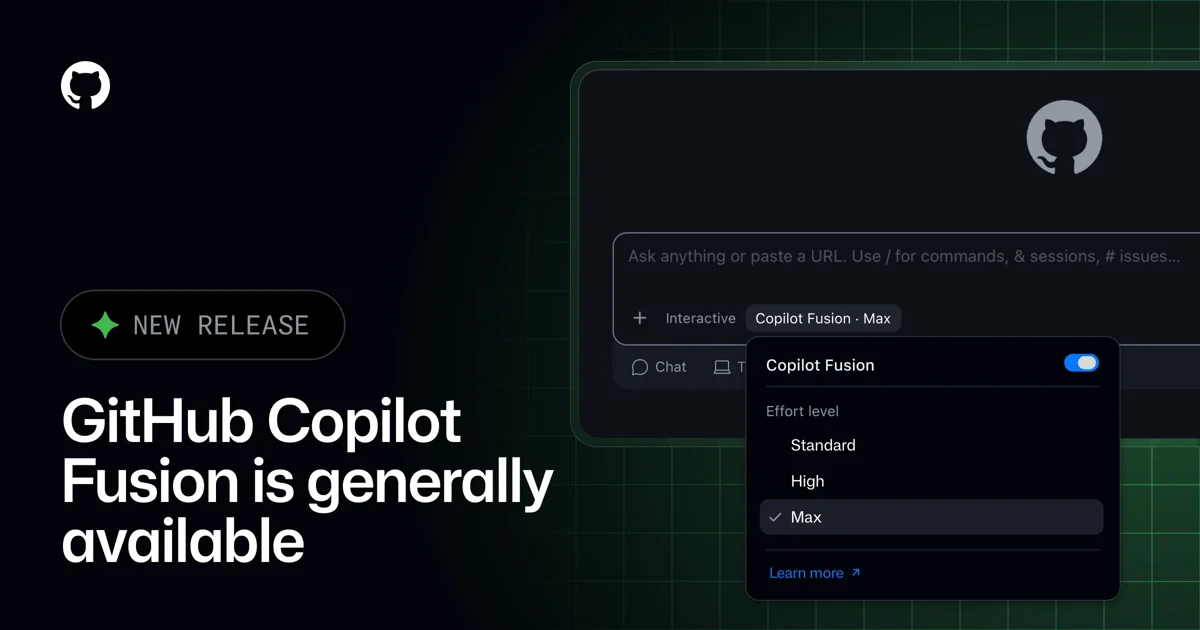
GitHub Copilot can now choose the models behind a coding task and decide when a second opinion is useful. Copilot Fusion became generally available on October 28 in VS Code, Copilot CLI, the Copilot app, and JetBrains IDEs.
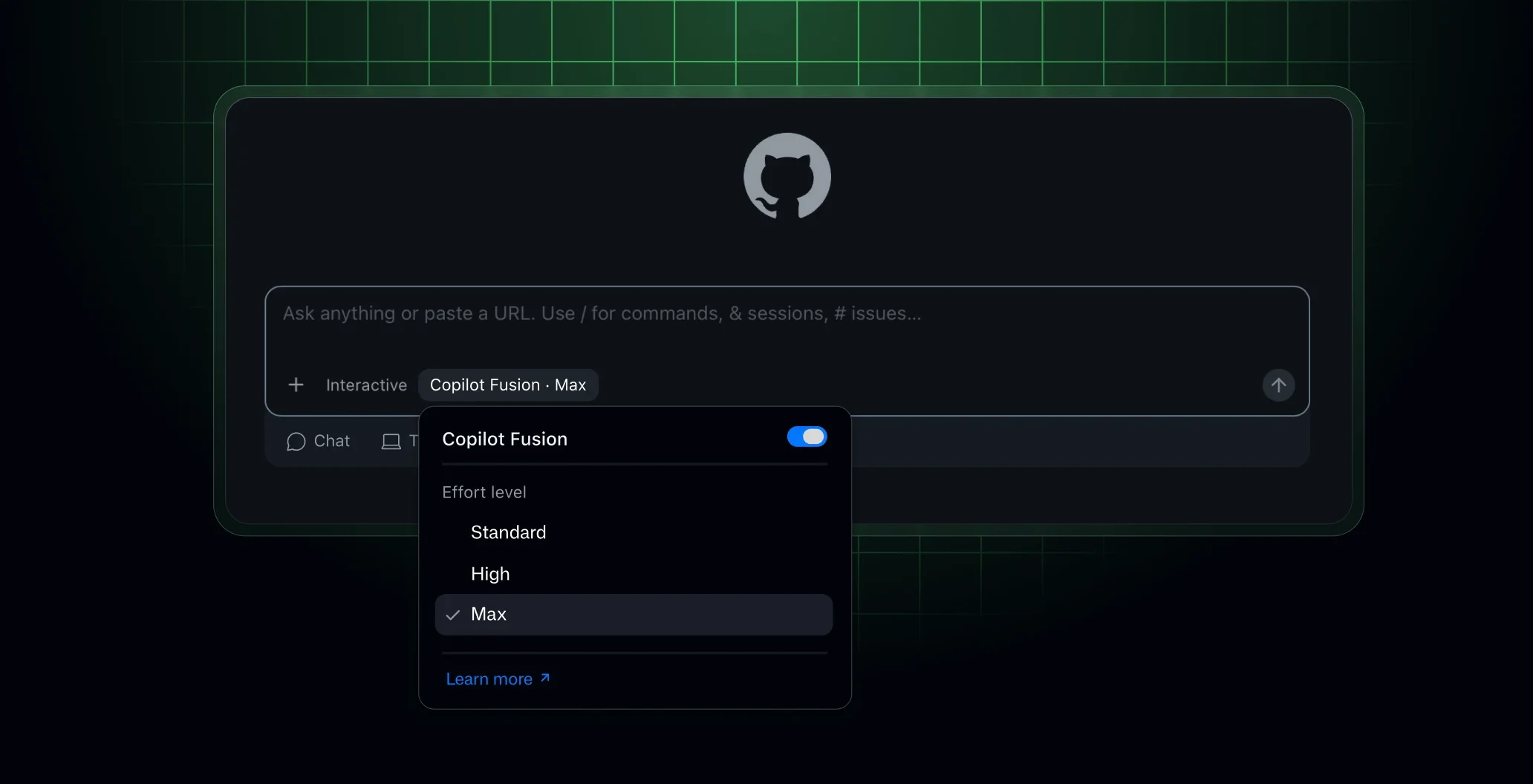
Users select Fusion and an effort level—Standard, High, or Max—instead of choosing one named model for the entire job. GitHub says organization policies still determine which models are eligible.
How the models work together
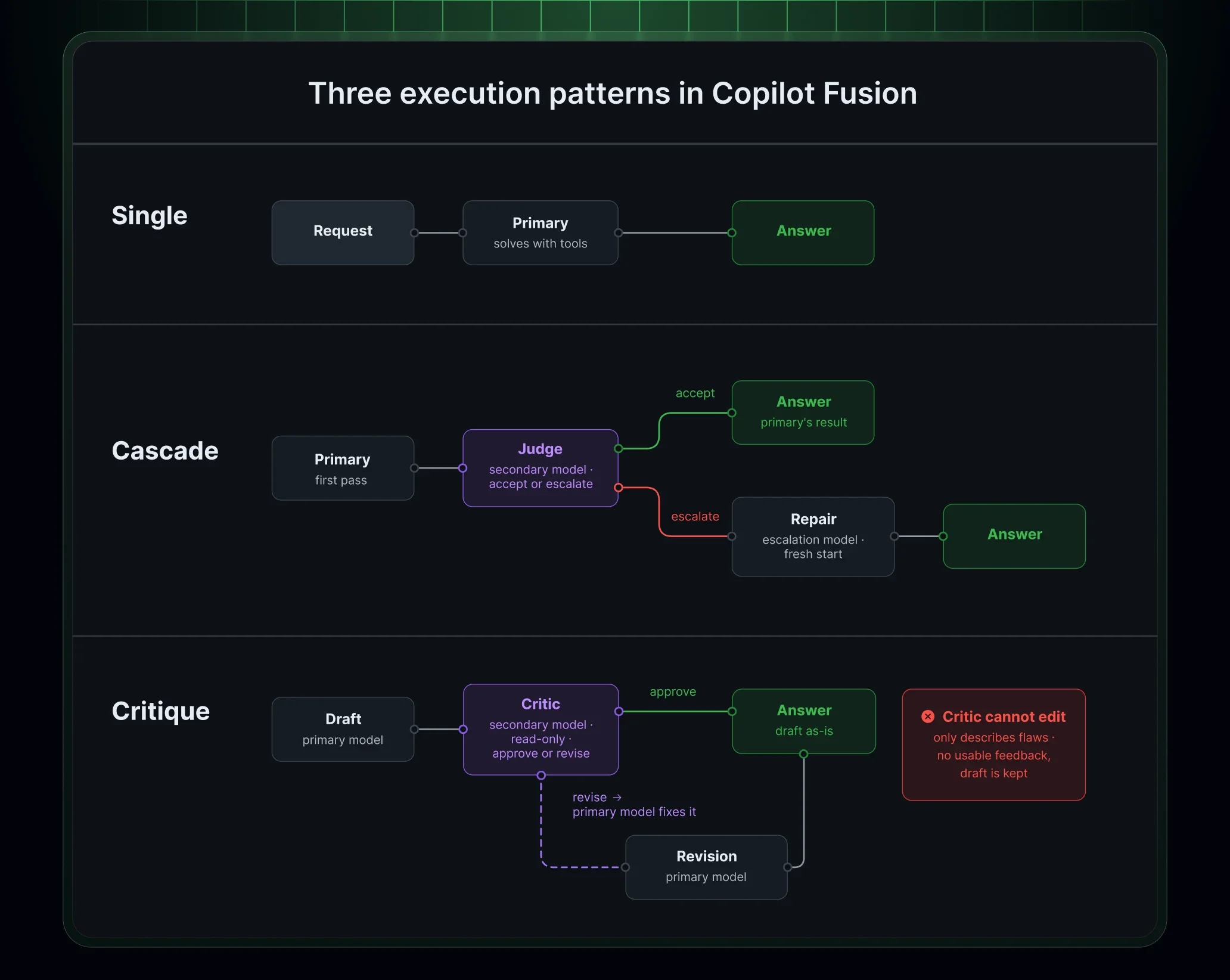
GitHub describes three patterns:
- Single: one model handles the request.
- Cascade: an efficient model makes a first attempt, then a judge can escalate the task.
- Critique: a model drafts an answer, other models review it, and the original model revises.
The current documentation explains the cost tradeoff: additional review can take longer and use more AI credits. Each participating model is billed at its own rate; Fusion has no separate orchestration charge. Paid plans receive a 30% discount on model costs through November 30, 2026.
One detail matters when using it on a repository: discarding a model’s draft does not automatically undo file changes the draft already made. Developers still need to review the resulting workspace changes before committing them.


No comments yet