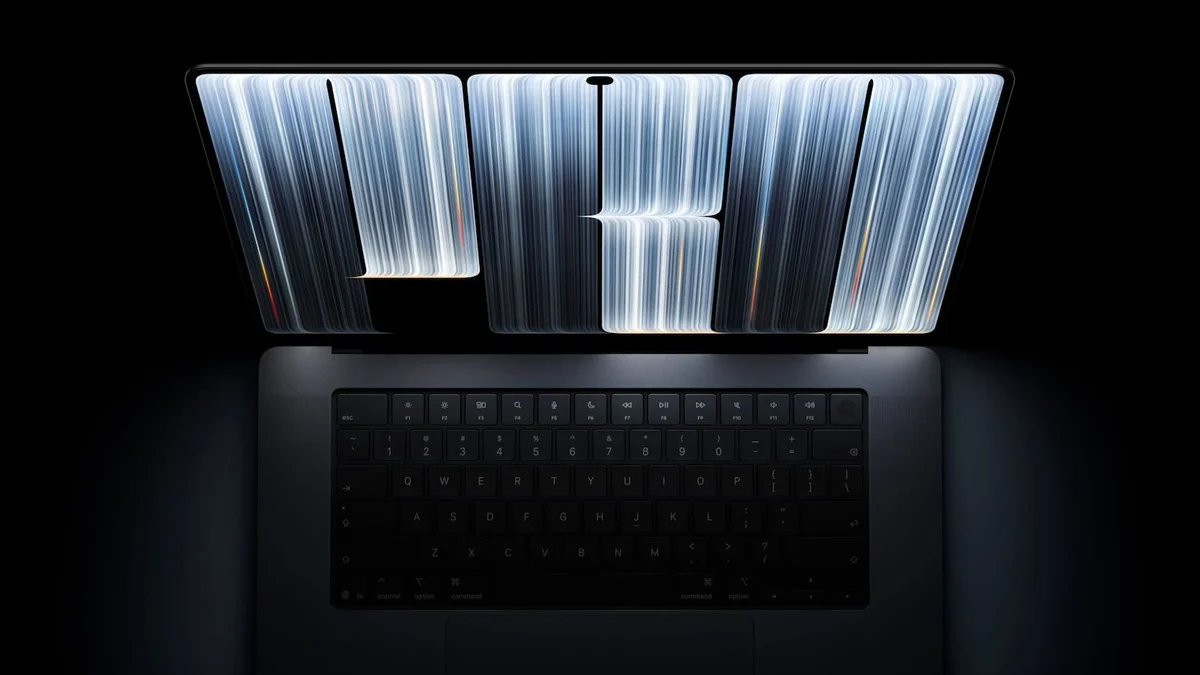
More details are emerging about touch input on Apple’s newly announced OLED MacBook Pro. MacRumors’ October 30 report gathers observations from Numerama’s Nicolas Lellouche after Apple’s hands-on event.
Apple still treats the keyboard and trackpad as the main controls. Touch adds another way to interact, with some macOS controls adjusting when a finger is used.
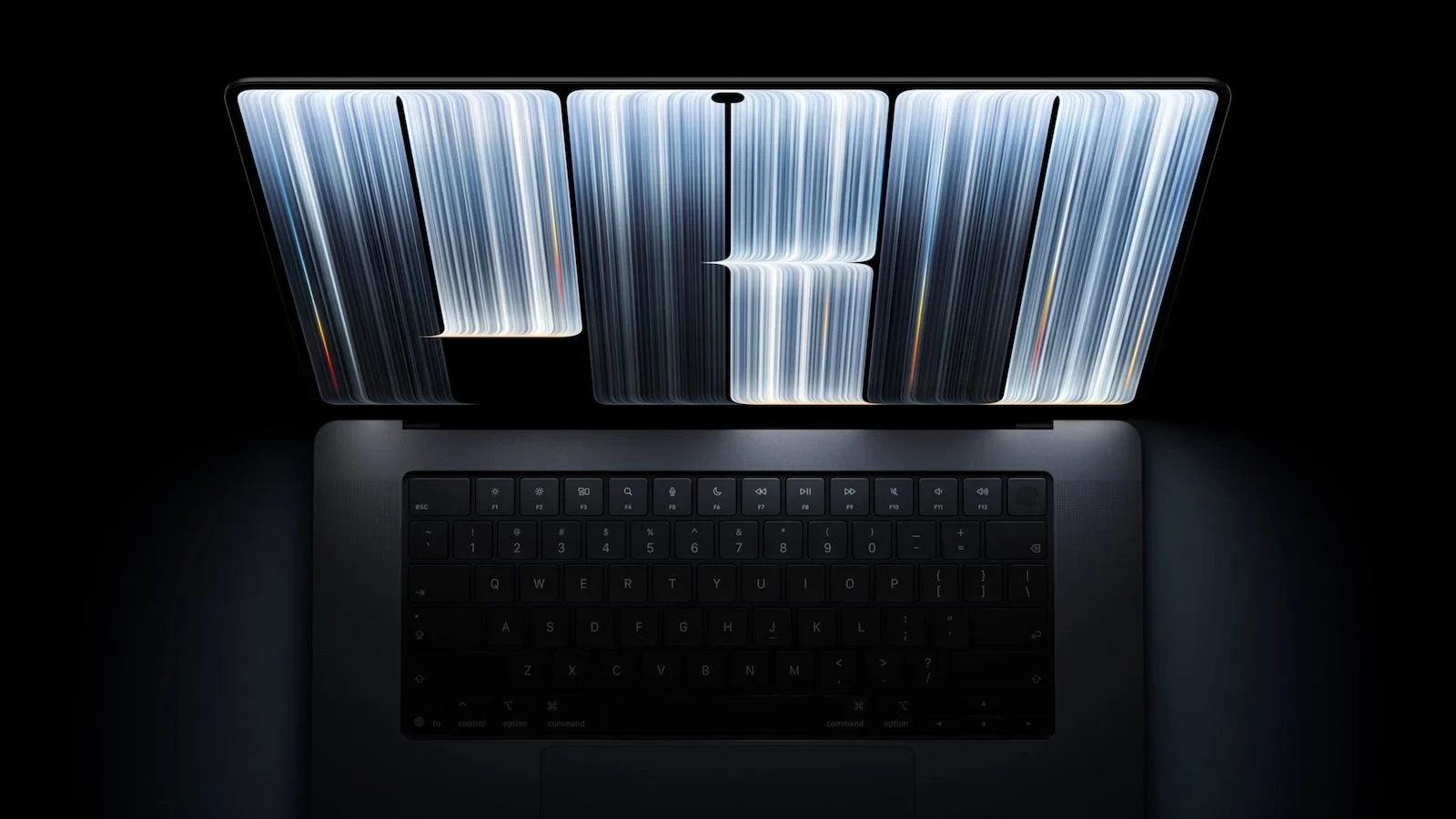
Image credit: Apple, via MacRumors
The reported behavior includes:
- Window controls expand when pressed, and lists become more spaced out.
- Swiping up from the bottom reveals the Dock; swiping down from the top opens Spotlight and Siri AI.
- A long press acts as a right click, while moving a held window sideways can trigger Split View.
Touch input can be disabled in Settings. The screen also does not wake the Mac when touched.
These are reported interface behaviors, not findings from our own hardware review. The new models are in preorder and launch November 6.



No comments yet