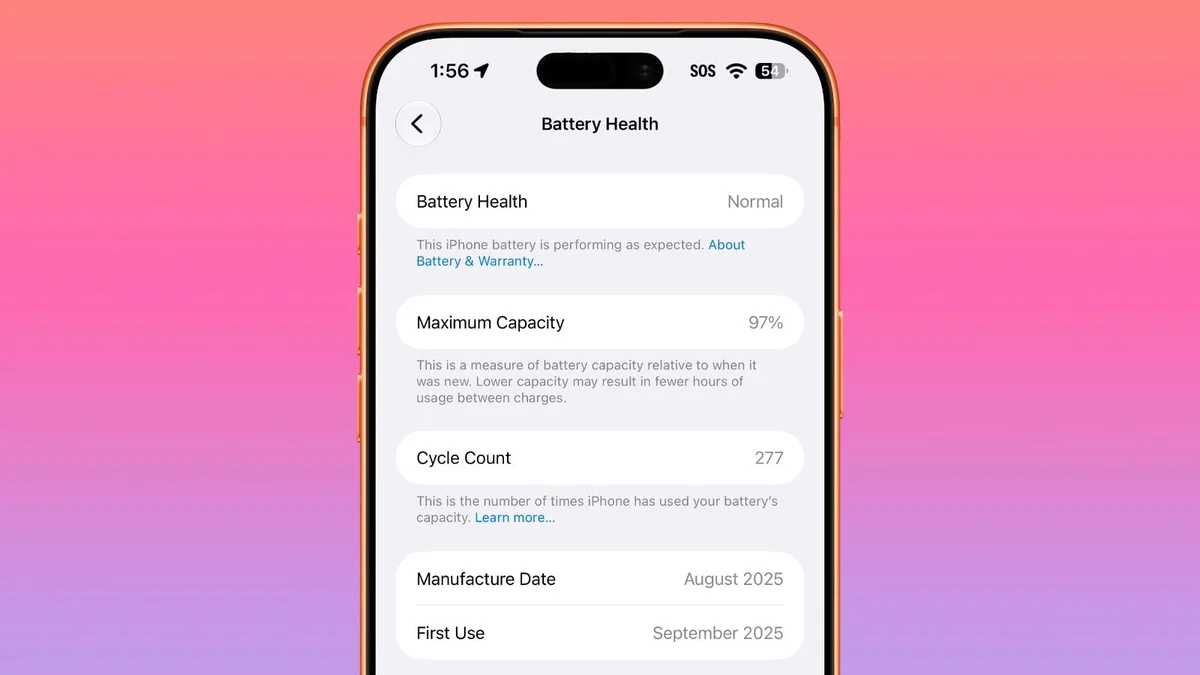
After a year with an 80% charge limit, Juli Clover’s iPhone 17 Pro Max reports 97% maximum capacity. Her MacRumors check-in compares three personally used iPhones.
Her current readings across the three devices are:
Reporting: Juli Clover / MacRumors. Image: MacRumors, from Clover’s article.
- iPhone 15 Pro Max: 88% capacity after 36 months, with 369 cycles.
- iPhone 16 Pro Max: 93% after 24 months, with 343 cycles.
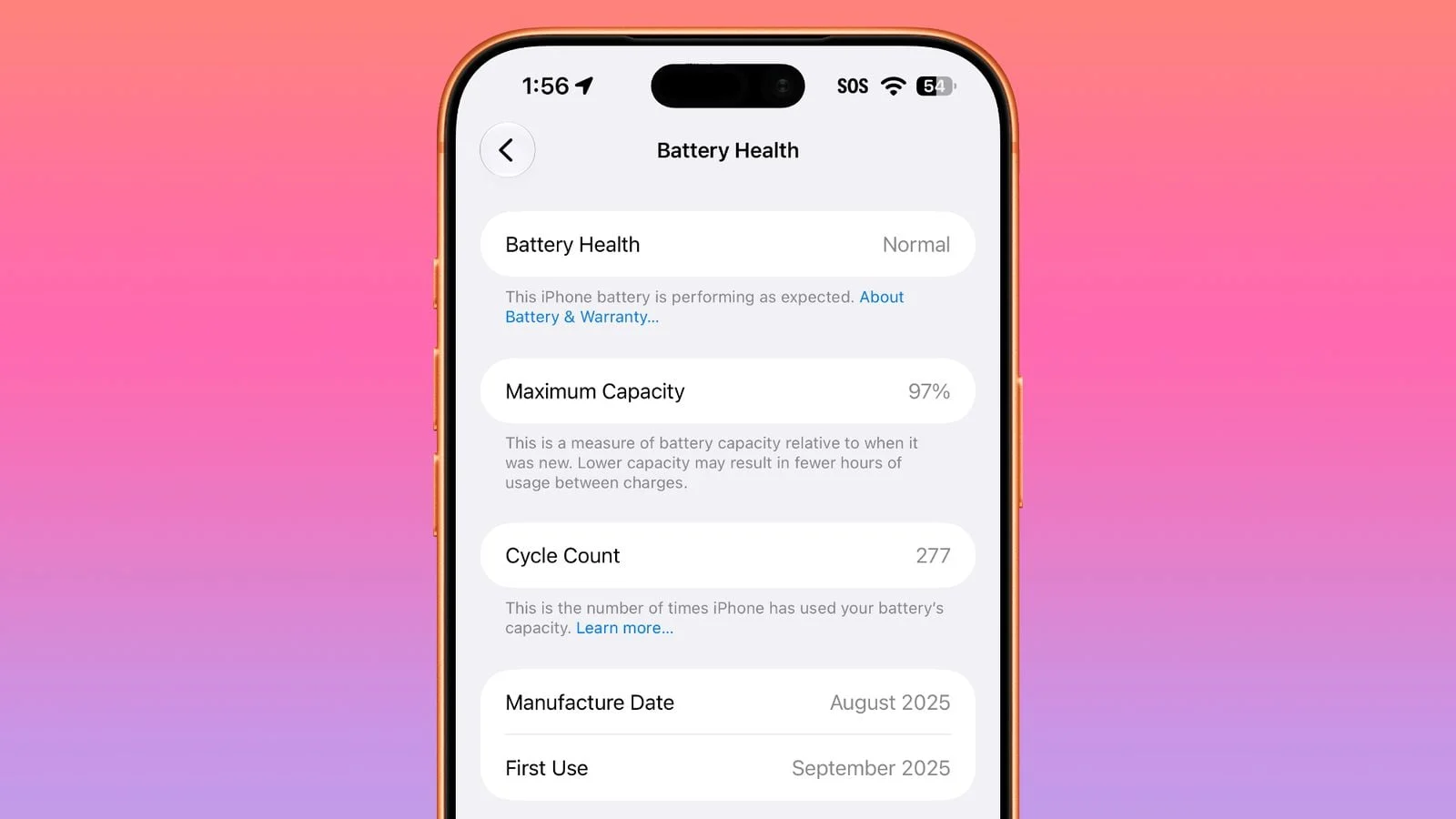
- iPhone 17 Pro Max: 97% after 12 months, with 277 cycles.
The older phones now serve as test devices, so they accumulate fewer cycles.
This is a personal long-term check-in rather than a controlled comparison. Different devices, workloads and charging conditions mean the readings cannot tell us exactly how much battery capacity the 80% limit preserved.
An 80% charging limit and 97% battery health describe different things. The first sets how far the phone normally charges; Maximum Capacity estimates how much the battery can hold compared with when it was new. A phone can have 97% battery health while stopping its daily charge near 80%. Apple explains battery capacity here.
On iPhone 15 and later, open Settings → Battery → Charging to select a limit from 80% to 100% in five-point steps. An 85%, 90% or 95% cap offers a middle ground if 80% leaves too little charge for your day.
At 100%, Optimized Battery Charging can delay charging beyond 80% and finish closer to your usual unplugging time. It still aims to give you a full battery. A lower Charge Limit normally stops near the selected percentage, although occasional full charges help maintain accurate charge estimates. Apple’s charging guide explains both options.
To check your own figures on an iPhone 15 or newer, go to Settings → Battery → Battery Health. The cycle count represents cumulative usage equivalent to a full battery, rather than the number of times you plug it in. Apple’s battery information guide describes those readings.
Reporting: Juli Clover / MacRumors. Image: MacRumors, from Clover’s article.



No comments yet